
How to begin your 7-Day Trial.
Step 1: Download & Install the Citadel Agent
After signing up for the free trial, you will receive a secure download link for the Citadel agent.
Download and install the agent on the device you want evaluated. Installation takes only a few minutes and does not interrupt normal system use.
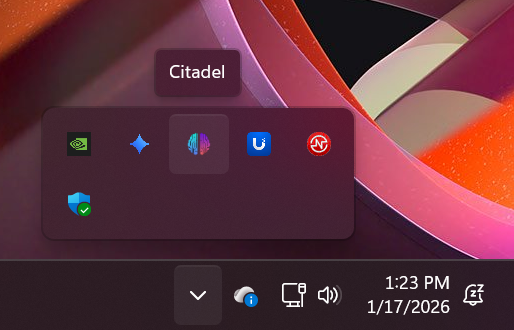
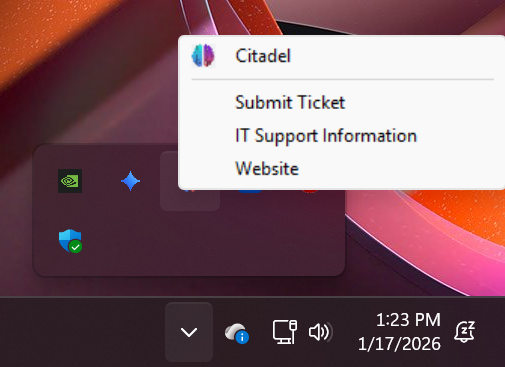
Once installed, you will the see Fortress Equipment logo in your system tray. The agent runs quietly in the background with no pop-ups or user interaction required. We will contact you after installation to discuss any questions you may have.
Step 2: Trial Monitoring Begins
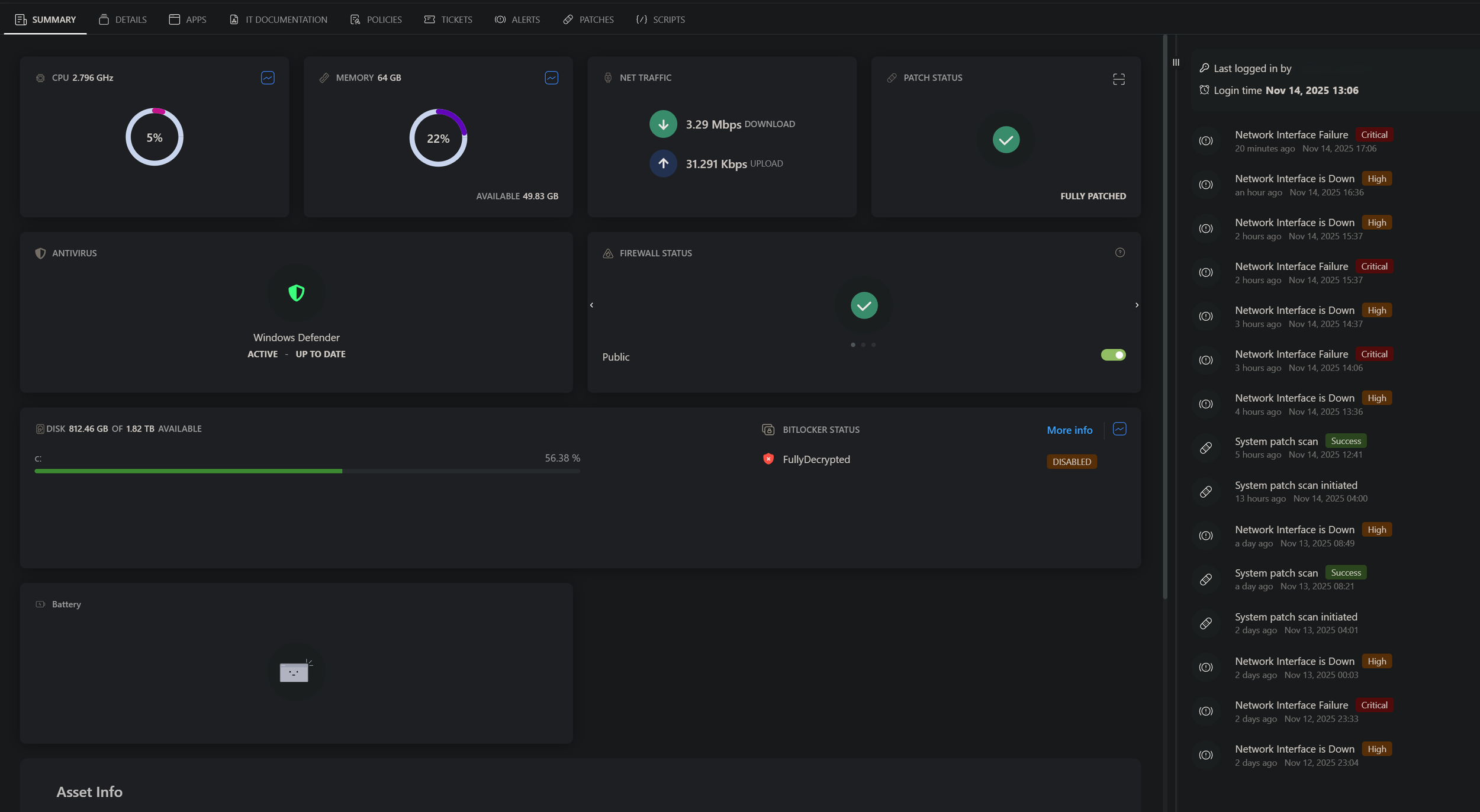
During the 7-day trial period, the Citadel agent provides limited monitoring data to our support team. This allows us to observe overall system health and environment conditions without accessing user files or disrupting operations.
Monitoring during the trial focuses on:
Device status and performance indicators
System configuration and update posture
Network-level observations related to reliability and stability
The agent does not collect personal files, content, or credentials.
Step 3: Network & System Report Delivered
At the end of the 7-day trial, we provide a summary report outlining:
Key findings from the monitoring period
Notable risks or inefficiencies observed
High-level recommendations for improvement
This report gives you a clear picture of your current environment and how proactive monitoring can reduce downtime and operational issues.
Step 4: Trial Completion
After the trial concludes, you may choose to:
Remove the Citadel agent (We will send you a password to uninstall or remove you from our system)
Continue with a managed service plan
Request further consultation
1.
2.
3.
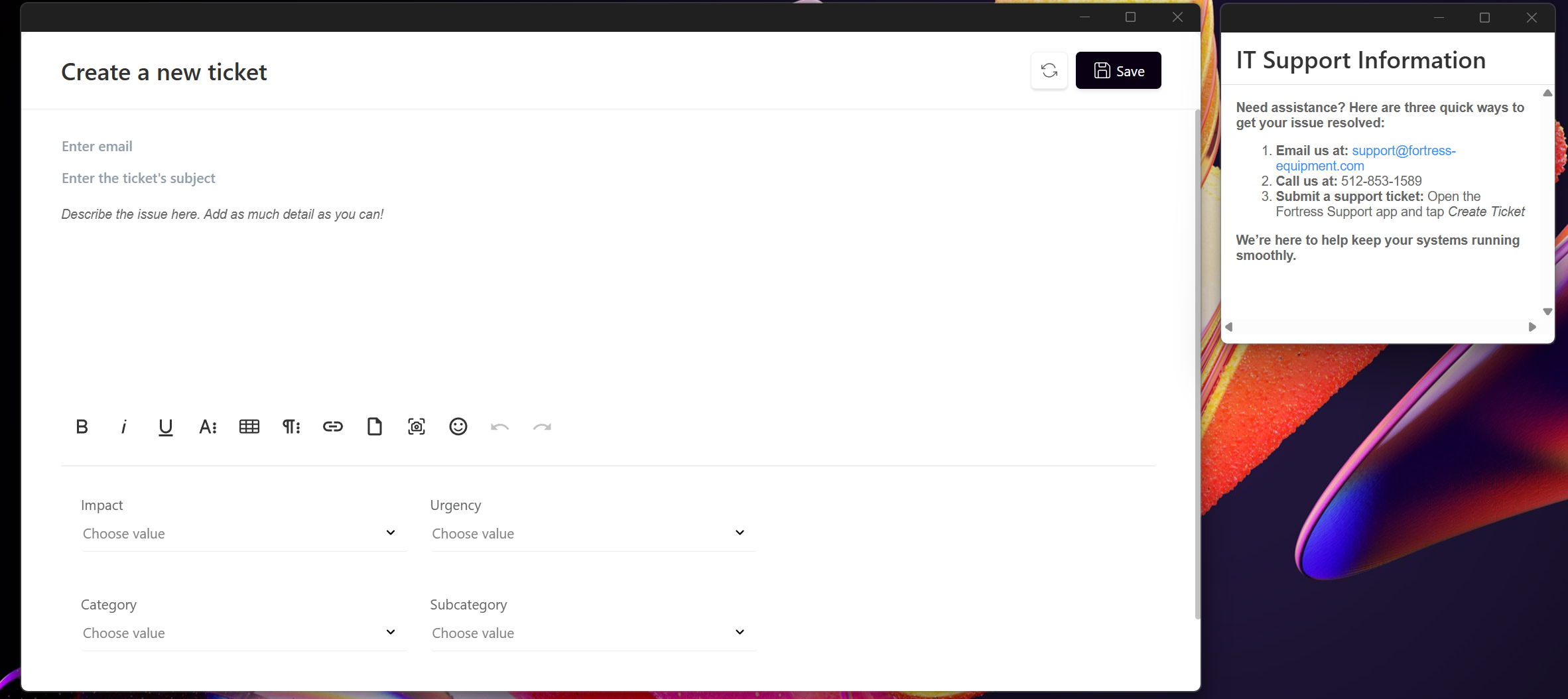

This free trial installs our lightweight Citadel agent on your device so you can experience proactive monitoring and support before committing to a full service plan. The agent runs quietly in the background and allows our team limited visibility to identify system health issues, apply critical updates, and resolve common problems during the trial period.
The free trial version is designed to demonstrate how proactive monitoring and remote support reduce downtime and improve system reliability, without impacting performance or interrupting daily work. The agent can be removed at any time.

This free trial installs our lightweight Citadel agent on your device so you can experience proactive monitoring and support before committing to a full service plan. The agent runs quietly in the background and allows our team limited visibility to identify system health issues, apply critical updates, and resolve common problems during the trial period.
The free trial version is designed to demonstrate how proactive monitoring and remote support reduce downtime and improve system reliability, without impacting performance or interrupting daily work. The agent can be removed at any time.